
Speed Up Your Website and Improve SEO
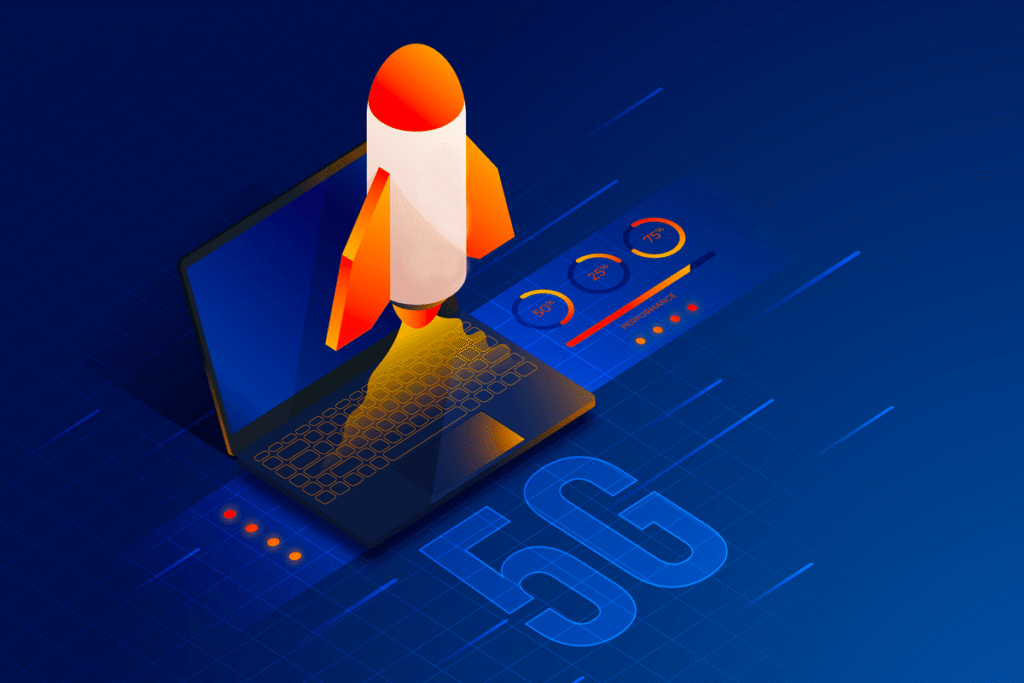
A fast website is no longer just a convenience, it is a necessity. Website speed directly affects user experience, search engine rankings, conversion rates, and overall business performance. Visitors expect pages to load quickly, and when they don’t, many leave before engaging with your content. Search engines also prioritize websites that provide a smooth and efficient browsing experience.
Whether you run a business website, blog, eCommerce store, or portfolio, optimizing your site’s speed can help attract more visitors, improve search visibility, and increase customer satisfaction.
Why Website Speed Matters
Website speed plays a significant role in how users interact with your site. Research consistently shows that even a small delay in page loading time can lead to higher bounce rates and lower engagement.
A faster website offers several advantages:
- Improved user experience
- Better search engine rankings
- Higher conversion rates
- Increased page views
- Lower bounce rates
- Greater customer satisfaction
When users can quickly access the information they need, they are more likely to stay on your website, explore additional pages, and complete desired actions such as making a purchase or submitting a contact form.
How Website Speed Affects SEO
Search engines aim to provide the best possible experience for users. Because page speed influences user satisfaction, it has become an important ranking factor.
Slow-loading websites often experience:
- Reduced crawl efficiency
- Lower rankings in search results
- Higher bounce rates
- Decreased user engagement
Fast websites, on the other hand, are more likely to achieve stronger visibility in search engine results pages (SERPs). Improving your site’s performance can help search engines crawl and index your content more efficiently, making it easier for potential customers to find your website.
Optimize Images for Faster Loading
Images are often one of the largest contributors to slow page speeds. Large, uncompressed files can significantly increase loading times.
To optimize images:
- Compress images before uploading them.
- Use modern formats such as WebP when possible.
- Resize images to the exact dimensions needed.
- Implement lazy loading for below-the-fold images.
- Avoid uploading unnecessarily large files.
Proper image optimization can dramatically reduce page size while maintaining visual quality.
Enable Browser Caching
Browser caching allows visitors’ browsers to store website resources locally. When users return to your site, many files can be loaded from their device instead of being downloaded again.
Benefits of browser caching include:
- Faster repeat visits
- Reduced server load
- Improved overall website performance
Most modern content management systems and caching plugins provide easy ways to configure browser caching.
Minify CSS, JavaScript, and HTML
Website code often contains unnecessary spaces, comments, and formatting that increase file size. Minification removes these unnecessary elements without affecting functionality. As a result, browsers can download and process files more efficiently.
Focus on:
- CSS minification
- JavaScript minification
- HTML minification
Combining and optimizing files can further reduce the number of requests required to load a page.
Use a Content Delivery Network (CDN)
A Content Delivery Network (CDN) distributes your website’s content across multiple servers located around the world. When someone visits your website, content is delivered from the server closest to their location, reducing latency and improving load times.
A CDN can provide:
- Faster global performance
- Reduced bandwidth usage
- Improved reliability
- Better protection against traffic spikes
For websites serving visitors from multiple countries, a CDN is often one of the most effective speed optimization solutions.
Choose Reliable Web Hosting
Your hosting provider forms the foundation of your website’s performance. Even a well-optimized site can suffer if it’s hosted on slow or overloaded servers.
When selecting a hosting provider, look for:
- High-performance infrastructure
- SSD or NVMe storage
- Adequate server resources
- Strong uptime guarantees
- Excellent technical support
Investing in quality hosting can significantly improve both speed and stability.
Reduce Unnecessary Plugins and Scripts
Many websites accumulate plugins, third-party tools, and scripts over time. While each may serve a purpose, too many can slow down your site.
Regularly review your website and remove:
- Unused plugins
- Redundant features
- Excessive tracking scripts
- Outdated integrations
Keeping your website lean and efficient helps improve performance and reduces maintenance issues.
Enable Compression
File compression reduces the size of resources transferred between the server and the user’s browser. Technologies such as Gzip and Brotli compression can significantly decrease page size, resulting in faster loading times and lower bandwidth consumption.
Most modern hosting environments support compression and can be configured with minimal effort.
Improve Core Web Vitals
Core Web Vitals are performance metrics used to measure real-world user experience. They focus on loading performance, interactivity, and visual stability.
Key metrics include:
Largest Contentful Paint (LCP)
Measures how quickly the main content becomes visible to users.
Interaction to Next Paint (INP)
Measures responsiveness when users interact with your website.
Cumulative Layout Shift (CLS)
Measures visual stability and prevents unexpected page movements during loading. Optimizing these metrics can improve both user experience and search engine visibility.
Monitor Website Performance Regularly
Website optimization is not a one-time task. New content, plugins, updates, and design changes can affect performance over time. Regularly monitor your website using performance testing tools to identify opportunities for improvement.
Pay attention to:
- Page load times
- Core Web Vitals
- Server response times
- Mobile performance
- User experience metrics
Consistent monitoring helps maintain strong performance and prevents issues from negatively affecting SEO.
Frequently Asked Questions
Below are some of the most frequently asked questions about website speed optimization and SEO, answered by our team based on practical experience and industry best practices.
Website speed plays a significant role in both user experience and search engine optimization. Faster websites allow visitors to access information quickly, reduce bounce rates, and encourage users to stay engaged. Search engines also consider page performance as part of their ranking factors, making speed optimization an important component of a successful SEO strategy.
A slow-loading website can negatively impact rankings by creating a poor user experience. Visitors are more likely to leave before the page fully loads, which can increase bounce rates and reduce engagement signals. Over time, these factors may affect your website’s ability to compete effectively in search results.
Common causes include oversized images, excessive plugins, unoptimized CSS and JavaScript files, poor-quality hosting, too many third-party scripts, and a lack of caching. Identifying and addressing these issues can significantly improve loading times and overall website performance.
Yes. Faster websites often provide a better user experience, which can improve engagement metrics and support stronger search visibility. While speed alone does not guarantee higher rankings, it contributes to a healthier website that is better positioned to attract and retain organic traffic.
Core Web Vitals are performance metrics used by Google to measure key aspects of user experience, including loading speed, visual stability, and interactivity. Optimizing these metrics helps create a smoother browsing experience and can support your website’s overall SEO performance.
Images are often one of the largest elements on a webpage. Compressing images, using modern formats such as WebP, implementing responsive image sizes, and enabling lazy loading can reduce page weight and improve loading times without sacrificing visual quality.
Absolutely. Reliable hosting provides faster server response times, better uptime, and improved resource management. Even a well-optimized website can struggle to perform if it is hosted on a slow or overloaded server. Choosing quality hosting is one of the most important investments for long-term website performance.
Caching stores frequently used website files so they can be delivered more quickly to visitors. This reduces server load and shortens page loading times. Proper caching can significantly improve performance, especially for content-rich websites and WordPress installations.
A CDN can improve website speed by distributing content across multiple servers located around the world. Visitors receive files from the server closest to their location, reducing latency and helping pages load faster. This is particularly beneficial for websites with a global audience.
Website performance should be monitored regularly, especially after installing new plugins, redesigning pages, changing hosting providers, or adding new features. Regular testing helps identify issues early and ensures your website continues to deliver a fast and reliable experience for visitors.
Final Thoughts
Website speed and SEO go hand in hand. A faster website creates a better experience for visitors, improves search engine visibility, and can lead to increased traffic, engagement, and conversions.
By optimizing images, enabling caching, minifying code, using a CDN, choosing reliable hosting, reducing unnecessary scripts, and improving Core Web Vitals, you can build a website that performs efficiently and ranks more effectively in search results.
As Jun Homecillo often emphasizes, website performance is not just a technical consideration, it’s a critical part of a successful SEO strategy. Investing in speed optimization helps search engines crawl your site more efficiently while delivering the fast, seamless experience that users expect.
In today’s competitive digital landscape, a faster website can be the difference between gaining a customer and losing one. Focus on performance, and you’ll create a stronger foundation for long-term SEO success and business growth.

By: Yama G
Related Articles
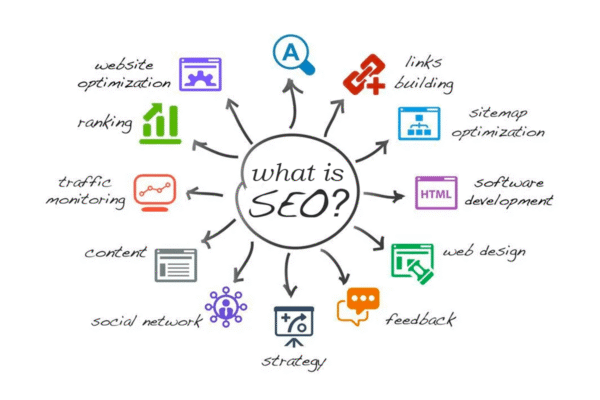
What is SEO and Why Every Business Needs It in 2026
In today’s digital landscape, simply having a website is no longer enough. Millions of businesses compete online, and securing a spot on the first page...

SEO Packages in the Philippines: Cost, Features & Inclusions
As competition in the digital landscape continues to intensify, having an SEO-friendly website is now essential for long-term online success. For business owners and website...
Search by・Category


Latest Articles
Explore everything you need to know through our latest, explained by our experts.
10 Best Docking Stations in the Philippines
A docking station helps you expand the ports and connections of your laptop, making it easier to connect devices like a keyboard, mouse, HDD, LAN,...
10 Best Uninterruptible Power Supply in the Philippines
An Uninterruptible Power Supply (UPS) is essential for safely shutting down your personal computer or servers during a power outage. There are many brands and...

10 Best Computer Speakers in the Philippines
A computer speaker helps improve your PC’s sound quality without needing an amplifier. Many trusted brands such as Logitech, Creative, Edifier, Razer, JBL, and Havit,...

10 Best Headlight Bulbs in the Philippines
One of the most common problems motorcycle and car owners face is how quickly headlight bulbs burn out. No matter what you do, they just...

10 Best Cad Mouse in the Philippines
AutoCAD work requires specialized software and involves many detailed operations using a mouse, such as selecting objects, setting ranges, drawing lines, and more. That’s why...

10 Best Phone Holders for Motorcycles in the Philippines
A motorcycle phone holder is an essential accessory that keeps your device secure and easily accessible while you ride. Whether you need hands-free navigation, quick...

10 Best Thermal Paste in the Philippines
Thermal paste is essential for keeping your processor cool. It helps transfer heat from the CPU to the heat sink, protecting this sensitive part of...

10 Best Front Load Washing Machines in the Philippines
A front-load washing machine can be your best companion when you’re running low on clean clothes. As the name suggests, laundry is loaded and unloaded...